Capture records your screen, camera or microphone in the browser, on the desktop or on an Android phone, and turns the take into a link. The file is stored in your own workspace.
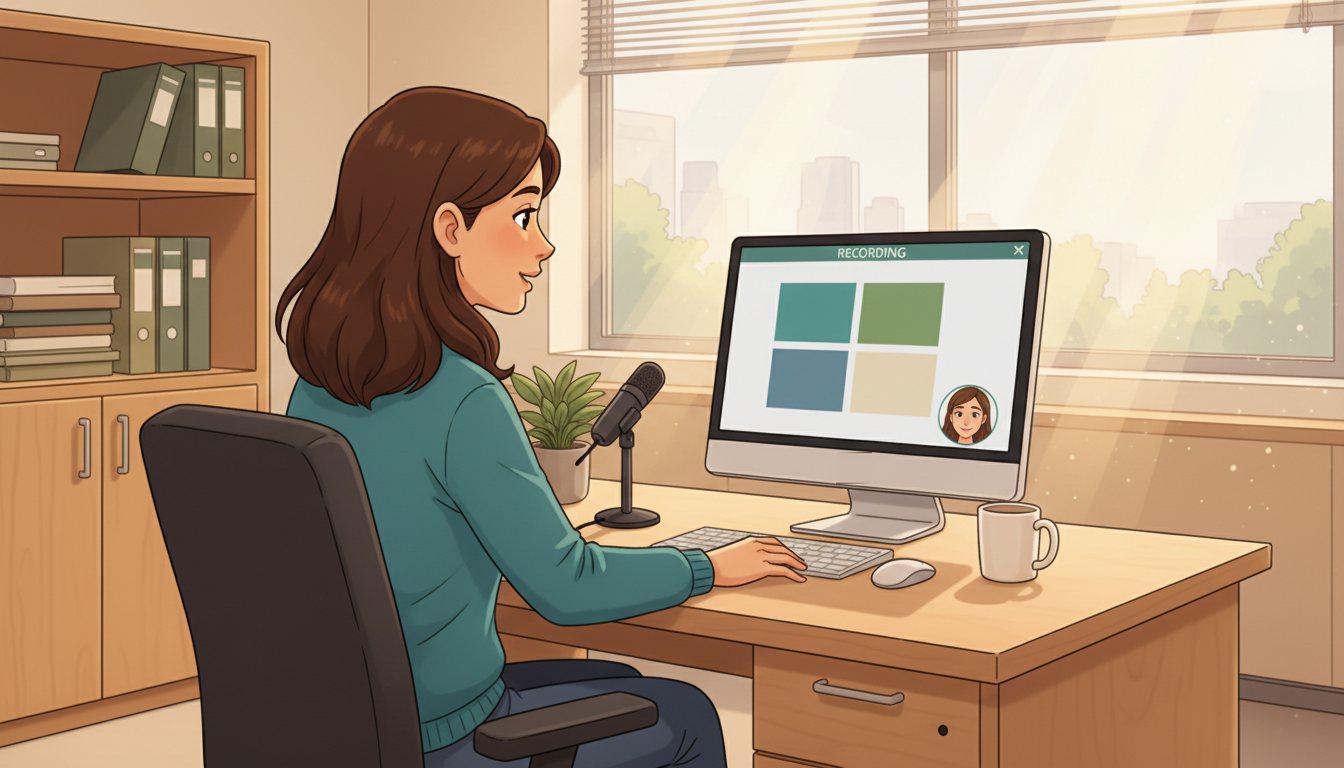
Some things are quicker to show than to write. The trouble starts when the recording ends: the file is too big to email, the upload fails and the take is gone, and the link lives in somebody else's account. Capture is built around that second half.
The recording is sent to storage in parts as you go. In our first measured run, a 130-second screen-and-camera take uploaded in four parts, and the first two had arrived before the recording ended.
If the transfer fails, the page offers you the recording as a download.
If the tab closes in the middle of a recording, the upload is left unfinished and is not marked ready.
Screen, camera, screen with the camera in the corner, or audio only. The microphone is optional. Recording carries on while you work in another window.
Every take lands in a Captures folder in your workspace's Drive, under the same folder permissions as your other files. Someone without write access to that folder cannot record into it.
Each recording is listed with its title, length, size, layout and a poster image, and shows whether it is uploading, ready or failed. You see your own takes.
A take gets a link to a page that plays it, with the poster and the duration. A link that is wrong shows the visitor one plain refusal page.
When a guest opens a shared recording, the workspace records the access in the same log as every other file download.
The recorder is served by your workspace, so an improvement to it reaches the browser and the desktop app without a new download.
Both apps open your own workspace. Neither has an account or an address built in: you type your workspace address, sign in there, and record.
A thin app around the same recorder, adding what a browser tab cannot do. Designed for Windows, macOS and Linux; only the Linux build has been made and run so far.
Uses the phone's own screen recorder, then uploads the finished take to your workspace, picking up again after an interruption.
Capture is built and tested. No customer runs it yet. This is the state of each piece.
| Piece | Stage | What that means |
|---|---|---|
| Record, library and share in the browser | Proven in testing | Built and measured in October 2026 on our test workspace, including a 130-second take that uploaded in four parts. |
| Desktop app | Proven in testing | Run end to end on Linux against the test workspace: sign in, record, save to Drive, library entry with poster. Windows and macOS builds have not been made yet and will be unsigned. |
| Android app | Proven in testing | Run on an Android 14 emulator: three takes saved to Drive at the exact size recorded, and a guest opening a shared link received the complete file. |
| iPhone app | Not yet | Not started. |
| Transcription | Not yet | Not available. |
| Links that expire, can be withdrawn or need a password | Not yet | Not available in this version. |
| Who-watched reporting | Not yet | Each download of a shared file is logged. Per-viewer open and view rates are not available. |
| Customer workspaces | Not yet | None yet. The first installs will be set up with us on a call. |
Tell us how you work today. We will show you the product on a call and tell you whether it fits.